

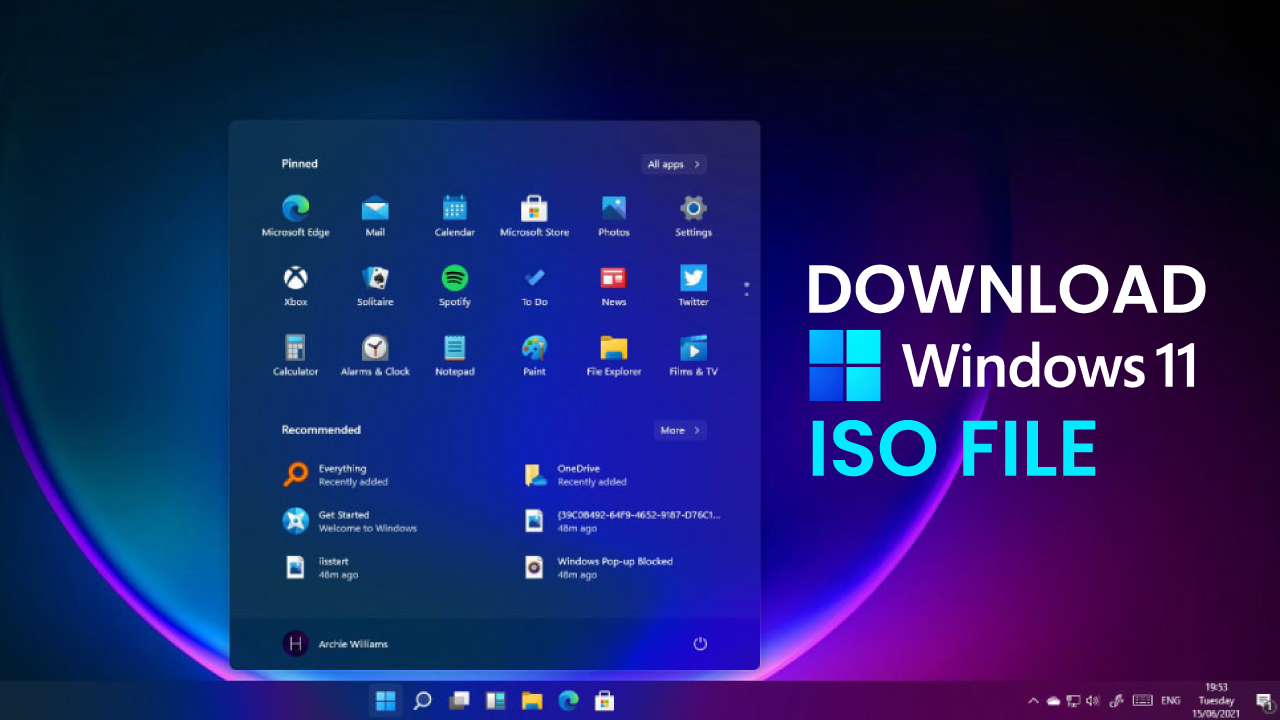

We will share direct download links for Windows 11 ISO and guide you on how to create a bootable USB or disc to install Windows 11 on Your PC and bypass TPM 2.0 requirements.
Note: The latest version of Windows 11 24H2 is now live on Microsoft’s server which is around 5.4 GB in size.
Download Windows 11 ISO file directly
| Windows Version | Windows 11 ISO English |
| Size | 5.4 GB (Most Downloaded) |
| Service Pack | 24H2 |
| Version | 64-Bit |
| Windows Version | Windows 11 ISO German |
| Size | 5.1 GB |
| Service Pack | 22H1 |
| Version | 64-Bit |
| Windows Version | Windows 11 ISO French |
| Size | 5.1 |
| Service Pack | S22H1 |
| Version | 64-Bit |
The Windows 11 ISO contains the following versions, which you can select during installation.
- Windows 11 Home
- Windows 11 Pro
- Windows 11 Education
- Windows 11 Enterprise
- Windows 11 Pro Education
- Windows 11 Pro for Workstations
- Windows 11 Mixed Reality
Download Windows 11 ISO file Official – Microsoft Site
Here is how you download Windows 11 directly from the official website. The official link is active for 24 hours.
Download the Windows 11 24H2 ISO file by yourself in 4 easy steps that barely take a minute.
1. Head to the official Windows 11 page.
2. Scroll down to the Download Windows 11 Disk Image (ISO) section, which is third in order from the top.
3. This will take you a few inches downward to the Select Product Language section. Do as it says and select the language for your Windows 11 package.
We selected English as the language from the dropdown menu and clicked on the confirm button.
4. A download button appears in the next section.
Click on the 64-bit Download button, and it will start the download on your browser. Or in the download manager if it is configured to catch the incoming links.
